01
Borrow a little inspiration
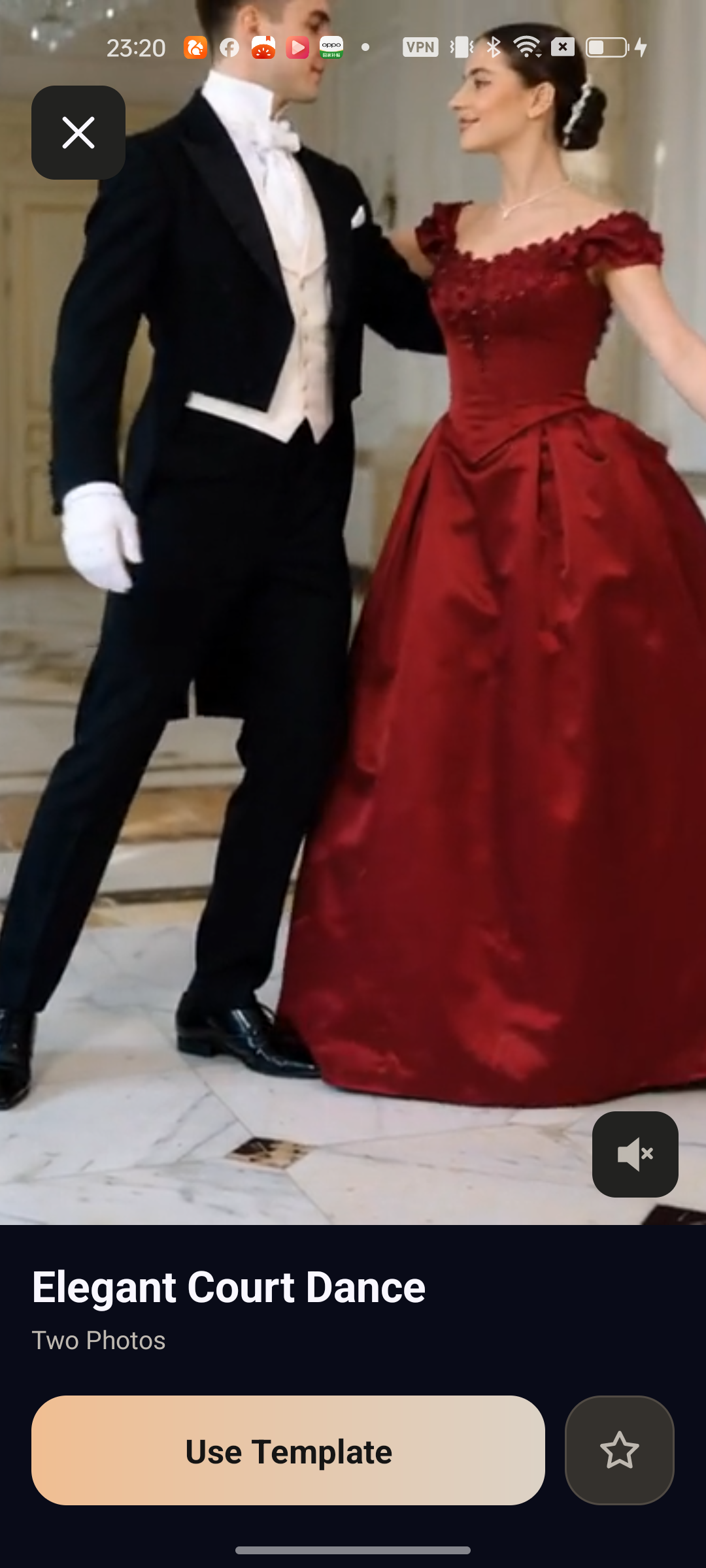
Browse templates in Discover. Preview the motion before choosing a style for your own photo.
 narsu.Meet Narsu
 A NEW FRAME OF MIND
There’s a story in that photo. Give it somewhere to go with Narsu, your pocket studio for AI video.
Your photos. Your direction.
Something worth making.
Less timeline.
More imagination.
A template to spark an idea. A photo to make it yours. A simple space to turn “what if” into something you can watch.
ROOM TO EXPERIMENT
Browse templates in Discover. Preview the motion before choosing a style for your own photo.
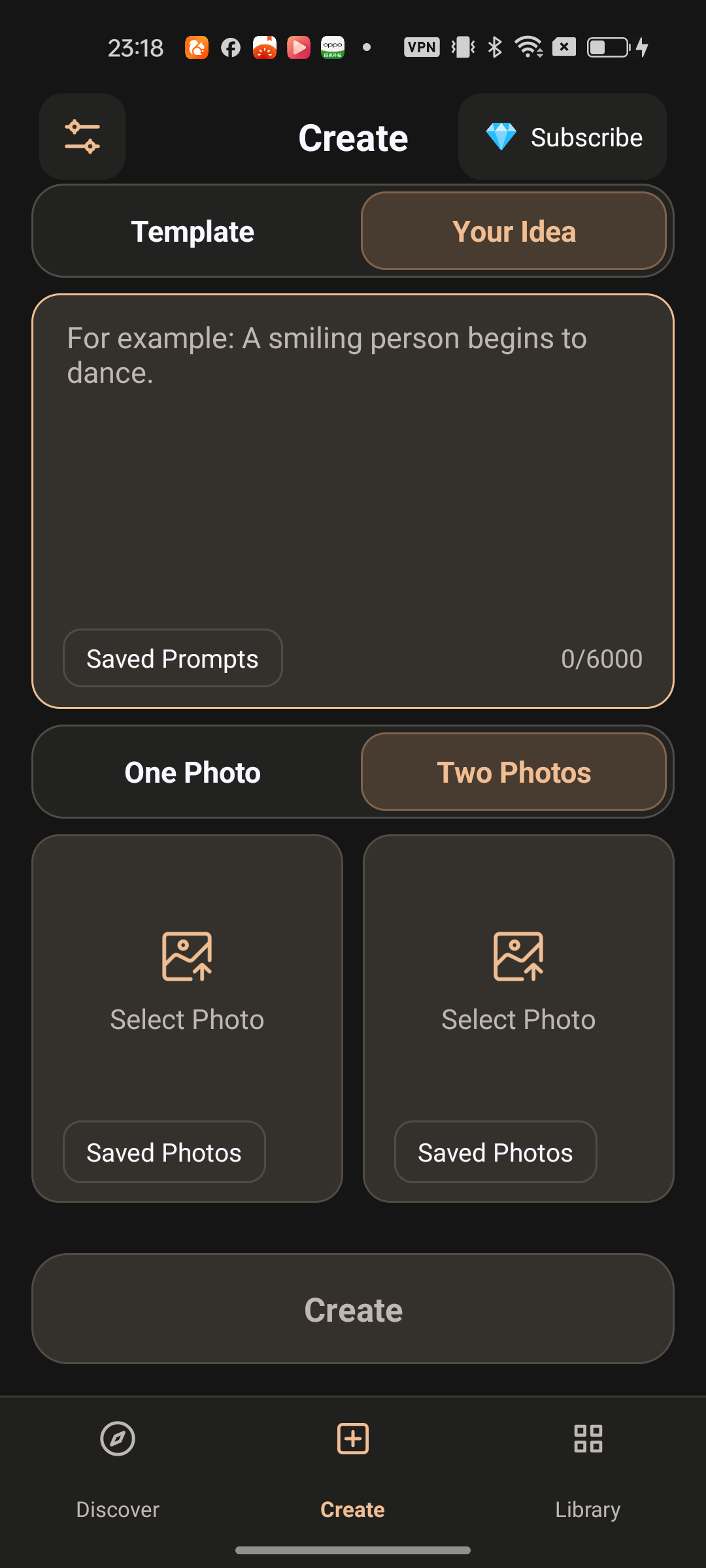
Write a prompt and choose one or two photos in Create. Explore the options available for your idea.
Save templates with a tap. Return to Favorites when you’re ready, and find your videos in Results.
YOUR IDEA, IN THE DIRECTOR’S CHAIR
Choose a template or open Create with an idea of your own.
Add a photo you have permission to use. Shape the scene with a prompt and the supported photo options.
Review the diamond cost before generating. Find the finished video in Library and save a copy to your device.
A PLACE FOR WHAT’S NEXT
Results for the things you’ve made.
Favorites for the things you’ll make next.
FIND IT. SAVE IT.
MAKE IT YOURS.
BEFORE YOUR FIRST FRAME
Start from a template or bring your own idea to Create. Add one or two photos and a prompt where supported, then choose from the generation options available in the app.
Find your creations under Results in Library. Save videos you want to keep to your device: the app currently displays a two-day availability period for online creations.
Yes. Tap the star on a template detail page. Your saved templates appear in the Favorites tab in Library.
The selected generation option shows its diamond cost before you submit. Available options and pricing are shown in the app. No fixed price or included allowance is promised here.
The verified Android store link will be added here when it is available.
YOUR NEXT IDEA IS WAITING
Android download information is coming soon.
Contact Narsu